Your voice, any language,
instant reply.
Turn spoken words into polished replies — in your language or your client's — so conversations move at the speed of business.
✦ Try Pro free for 14 days — 30,000 words/week, AI agents unlocked
More than a voice keyboard.
Your AI assistant crew.
Each Meander assistant is built for its own job — Courier drafts emails, Nudger sends reminders, and more to come. Talk to the right one in your language; they reply in whichever your audience needs. Currently in beta — bundled free with every plan.
✦ Try Pro free for 14 days — 30,000 words/week, AI agents unlocked
Speak in your language.
Reply in theirs.
Running an international business means juggling languages all day. Customers in different countries, suppliers across borders, partners on every continent — and you're constantly second-guessing vocabulary, spelling, and tone.
Meander handles it. Speak in your native language — get precise, professional output in whichever language your audience speaks. Not just translation: natural, idiomatic writing that sounds like a native.
- Reply to customer emails in seconds, in any language
- Chat with suppliers without switching to a translator app
- Ask the AI to search first, then draft the reply
- Mix multiple languages naturally in one message
Type at the speed of thought.
Ship at the speed of 6 agents.
I can type fast — years of muscle memory as a programmer. But typing still caps me at 2–3 concurrent agents.
With voice, I run six agents in parallel. My productivity is 4–5× what it was. The bottleneck stopped being my fingers.
- Orchestrate multiple AI agents without your fingers cramping
- Type Chinese in terminals that don't support it natively
- Dictate commits, code reviews, long messages — without stopping to think about keys
Your voice can stay on your machine.
Local speech-to-text and AI cleanup.
Run both halves of voice typing on your own computer: Whisper turns your voice into text, and a small language model cleans it up. Your audio never leaves the machine. Meander uses your GPU through Vulkan, or just the CPU.
- Mix per mode: everything local, local speech with cloud cleanup, or everything cloud
- Built-in model library: Whisper, Breeze ASR, Gemma, Qwen, Llama and more
- Bring your own endpoint: Ollama, LM Studio, or any OpenAI-compatible server
- Share one GPU with every computer in the house (Ultimate)
Included in Pro and the 14-day Pro trial. Linux and Windows desktop.

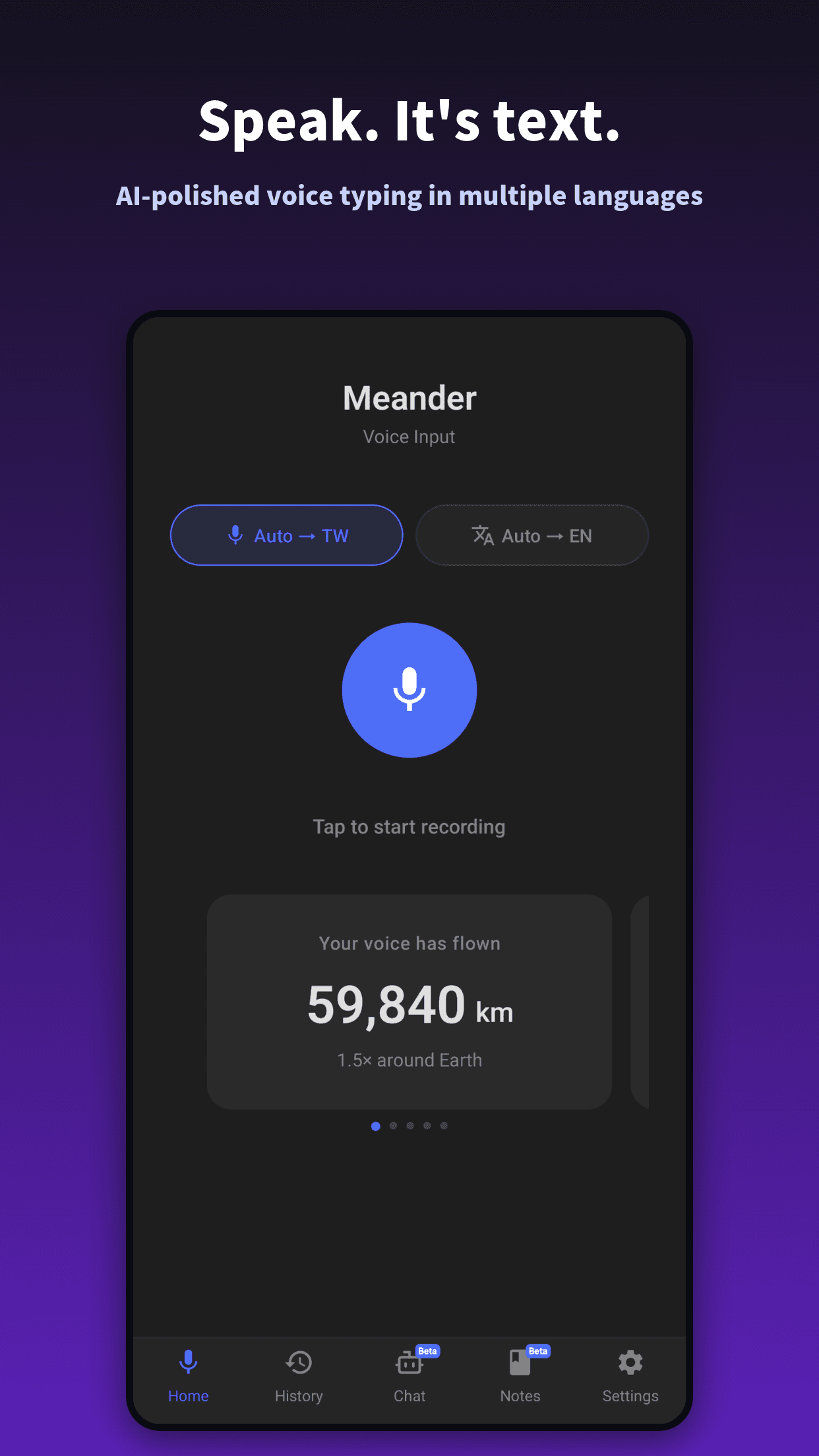
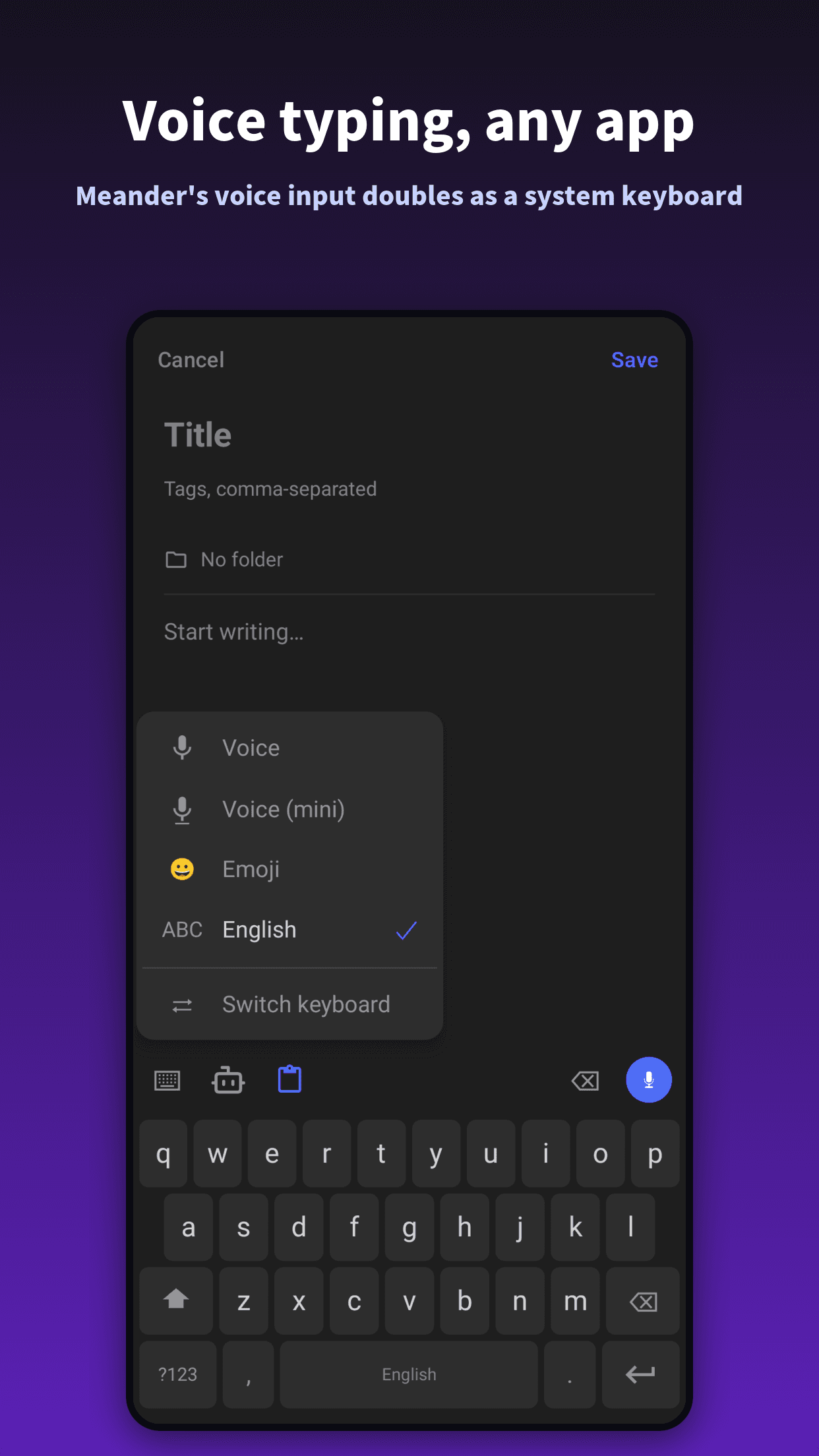
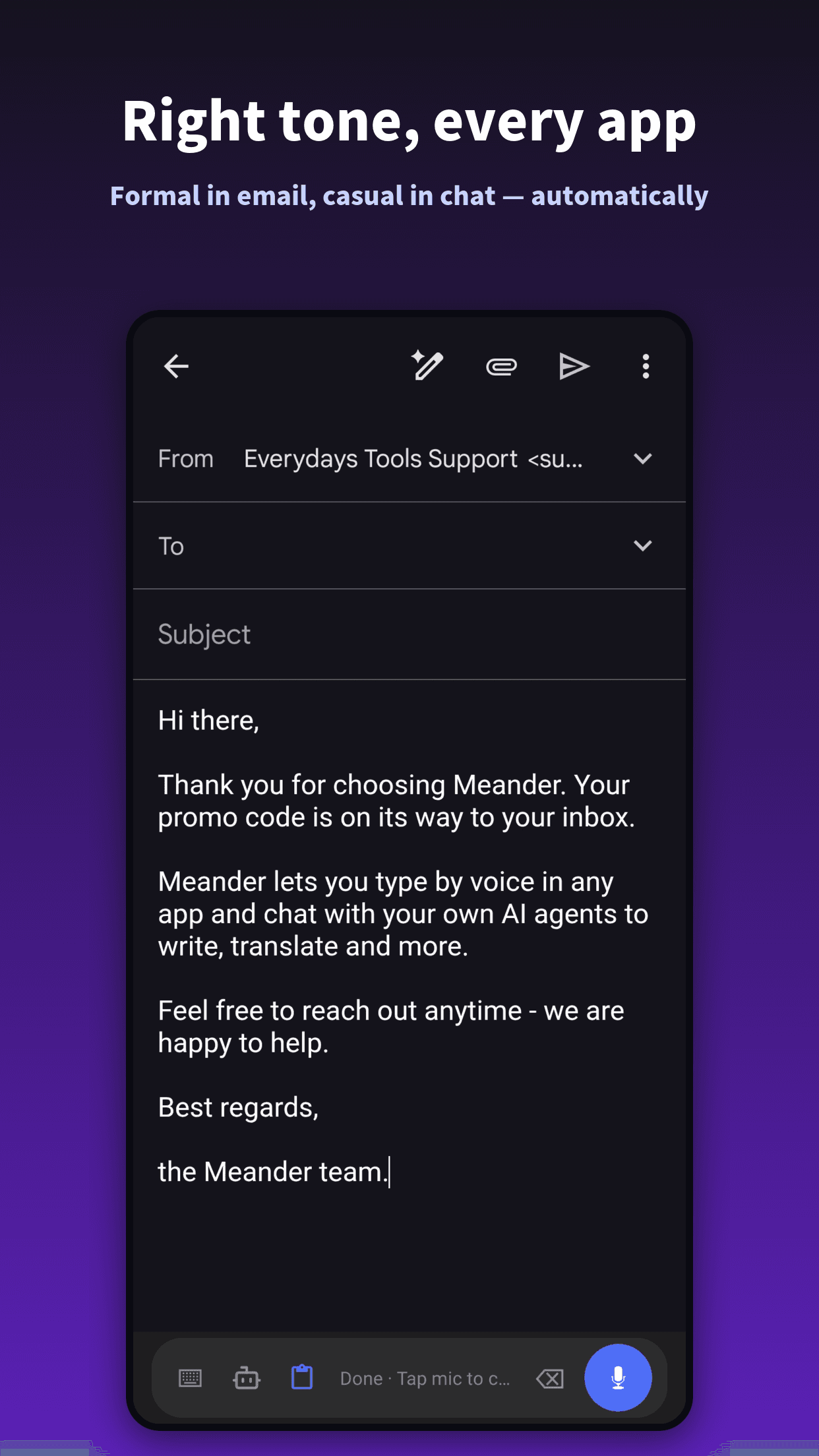
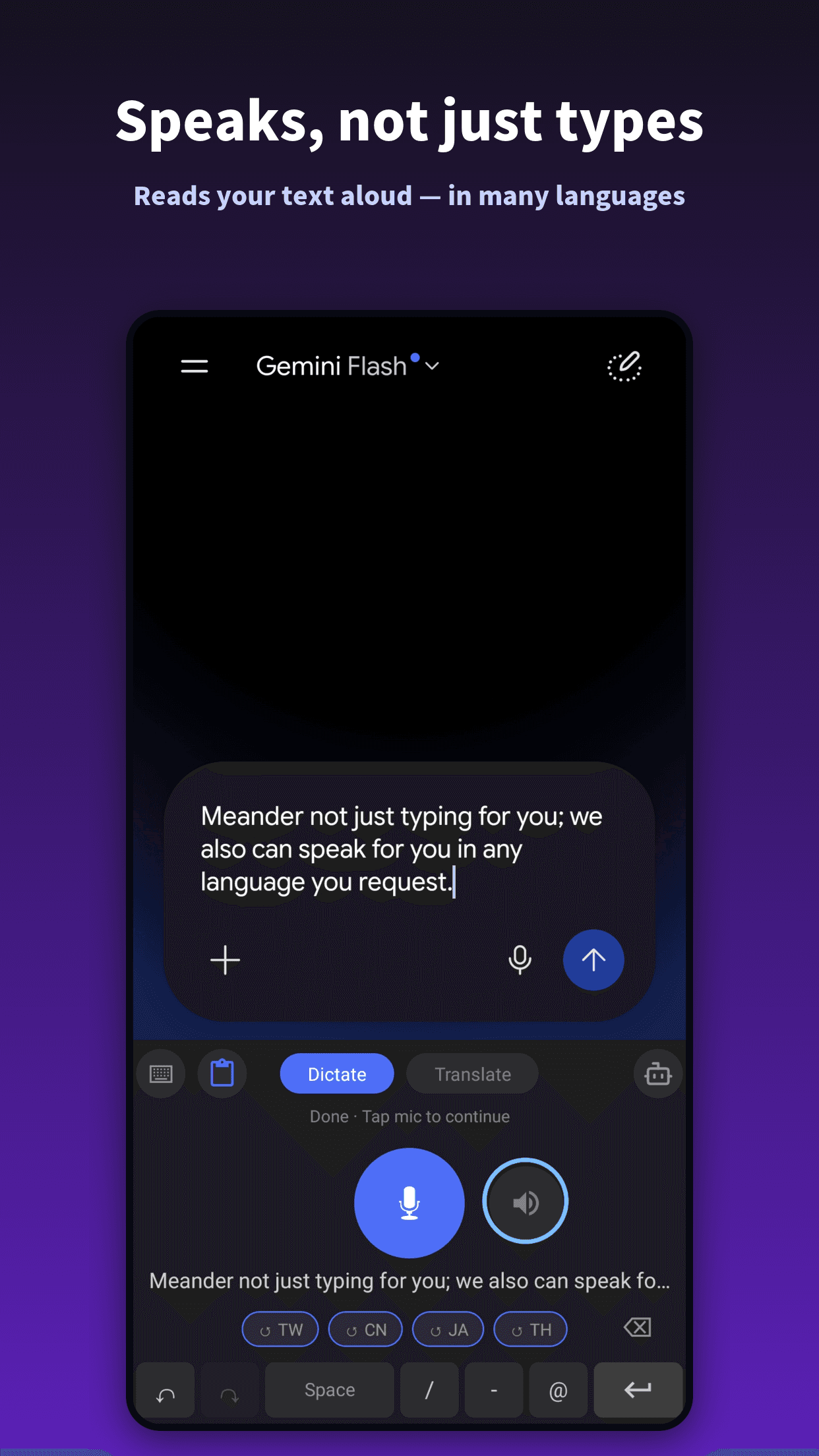
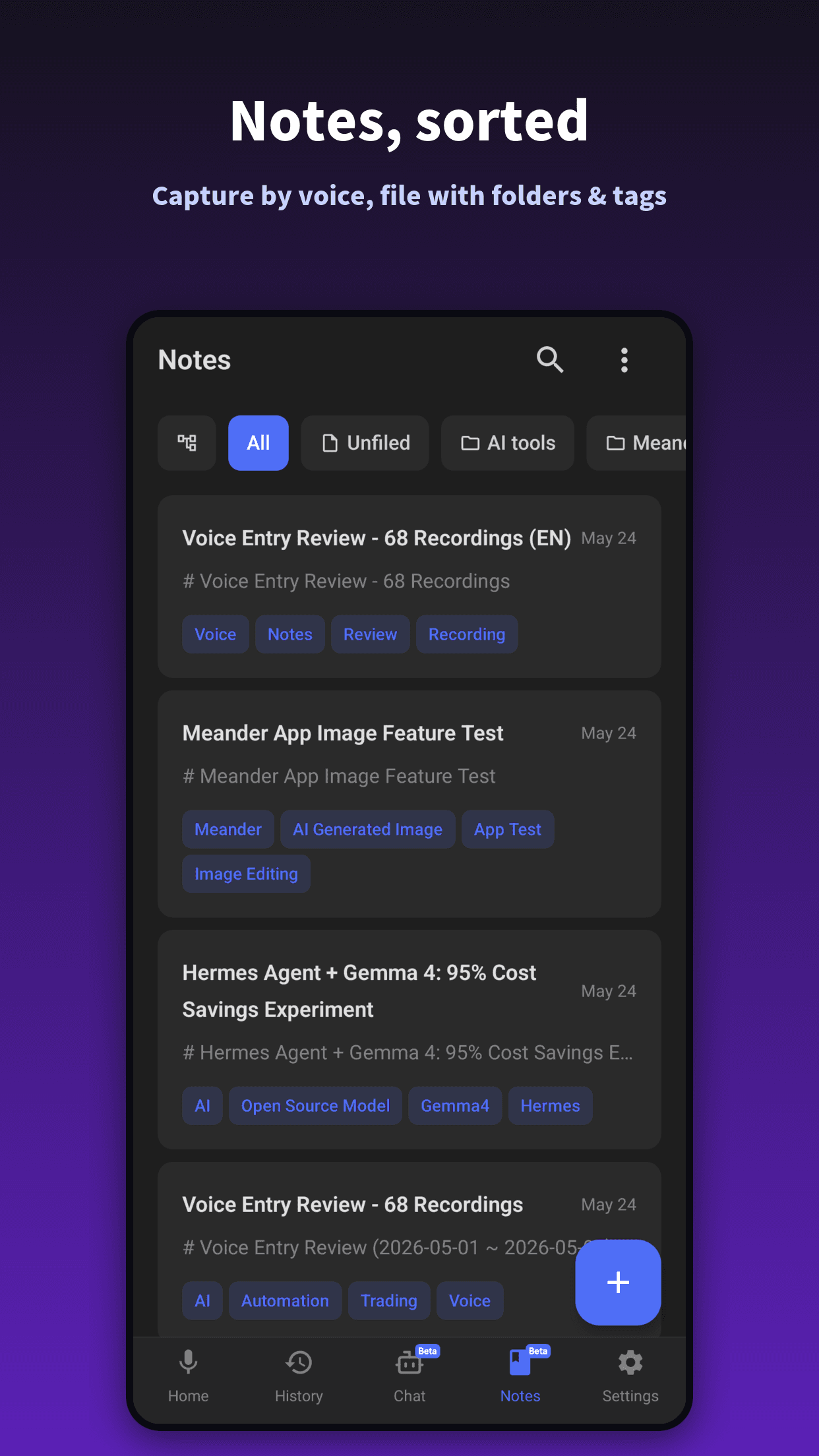
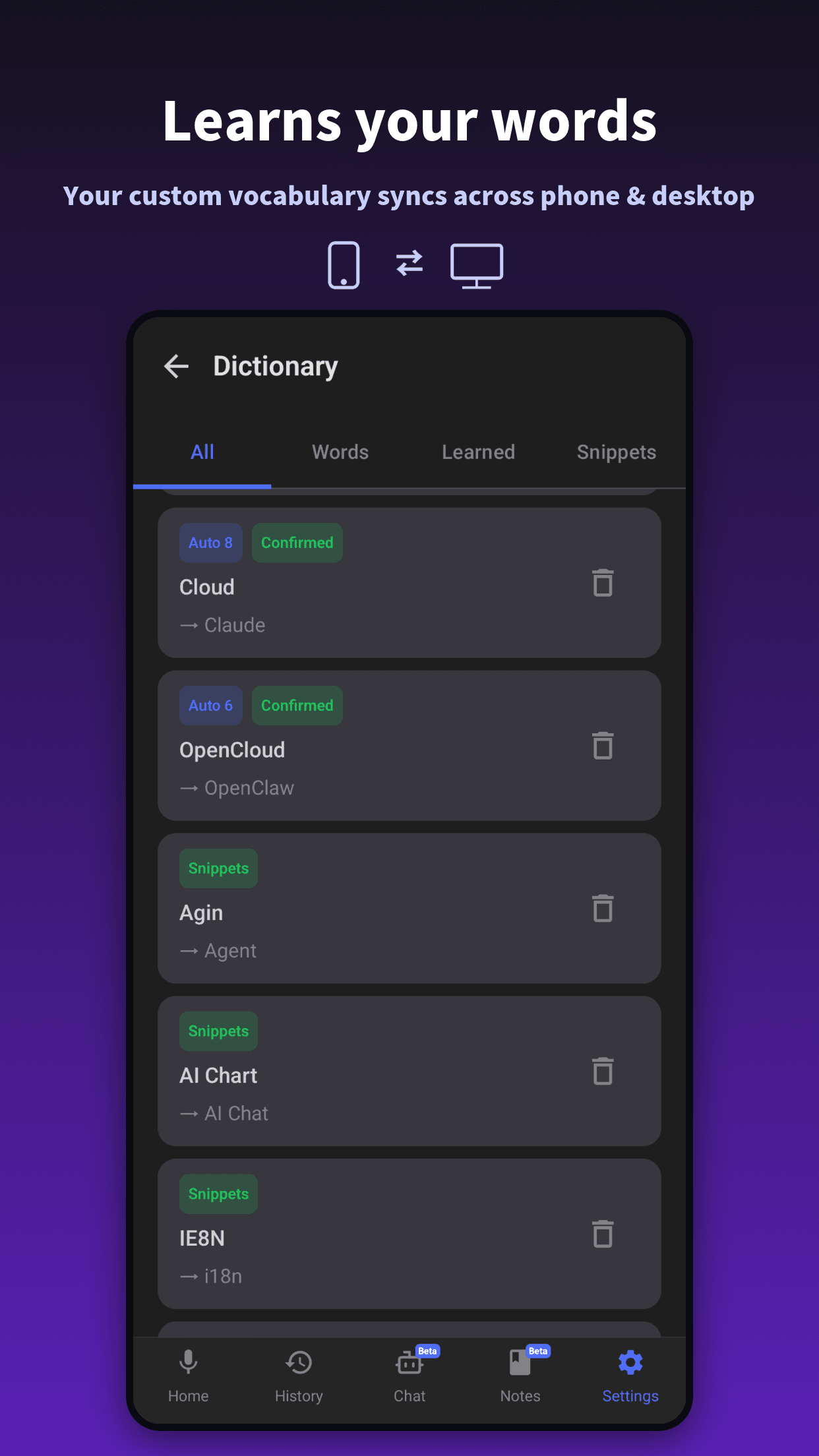
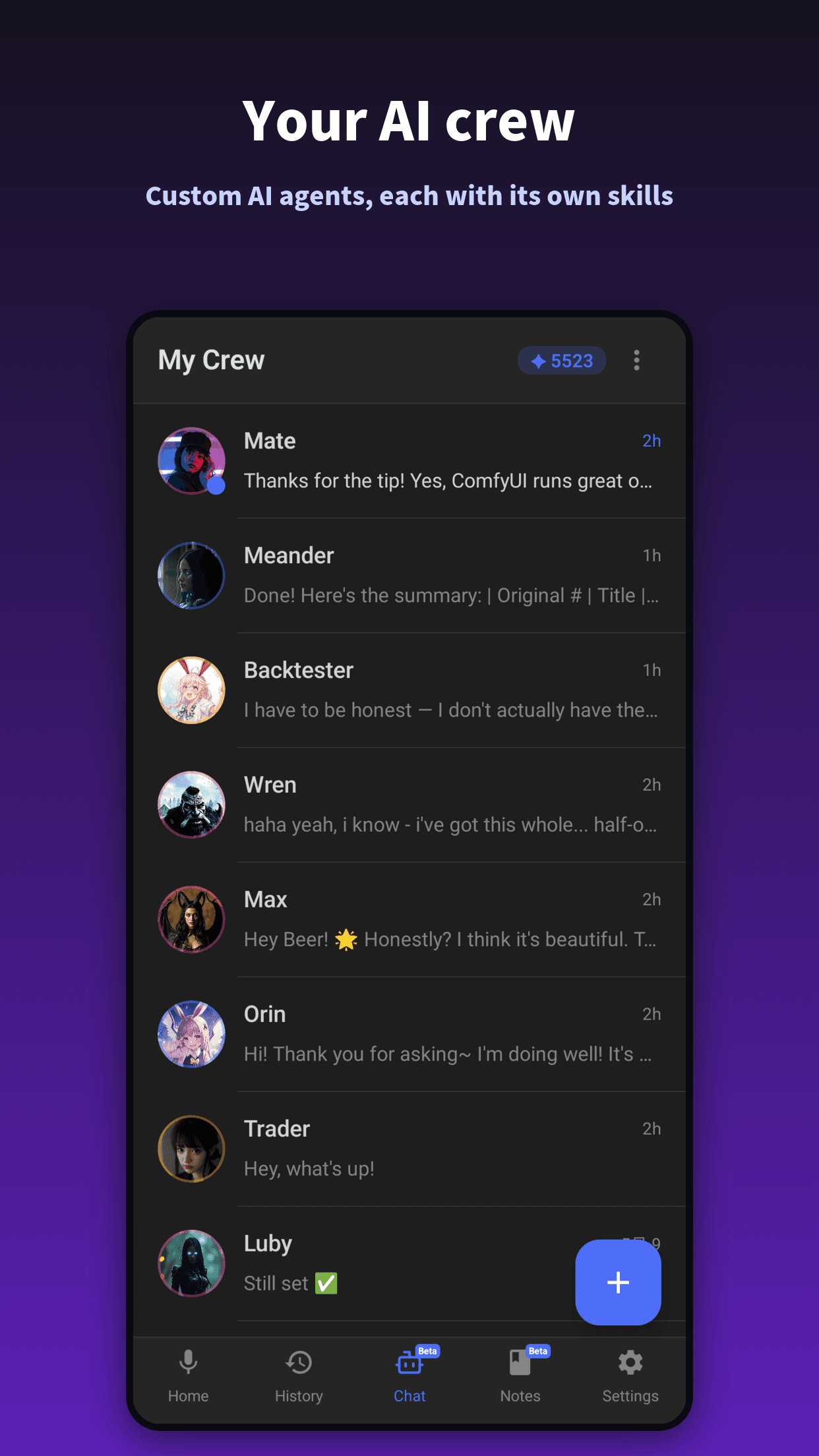
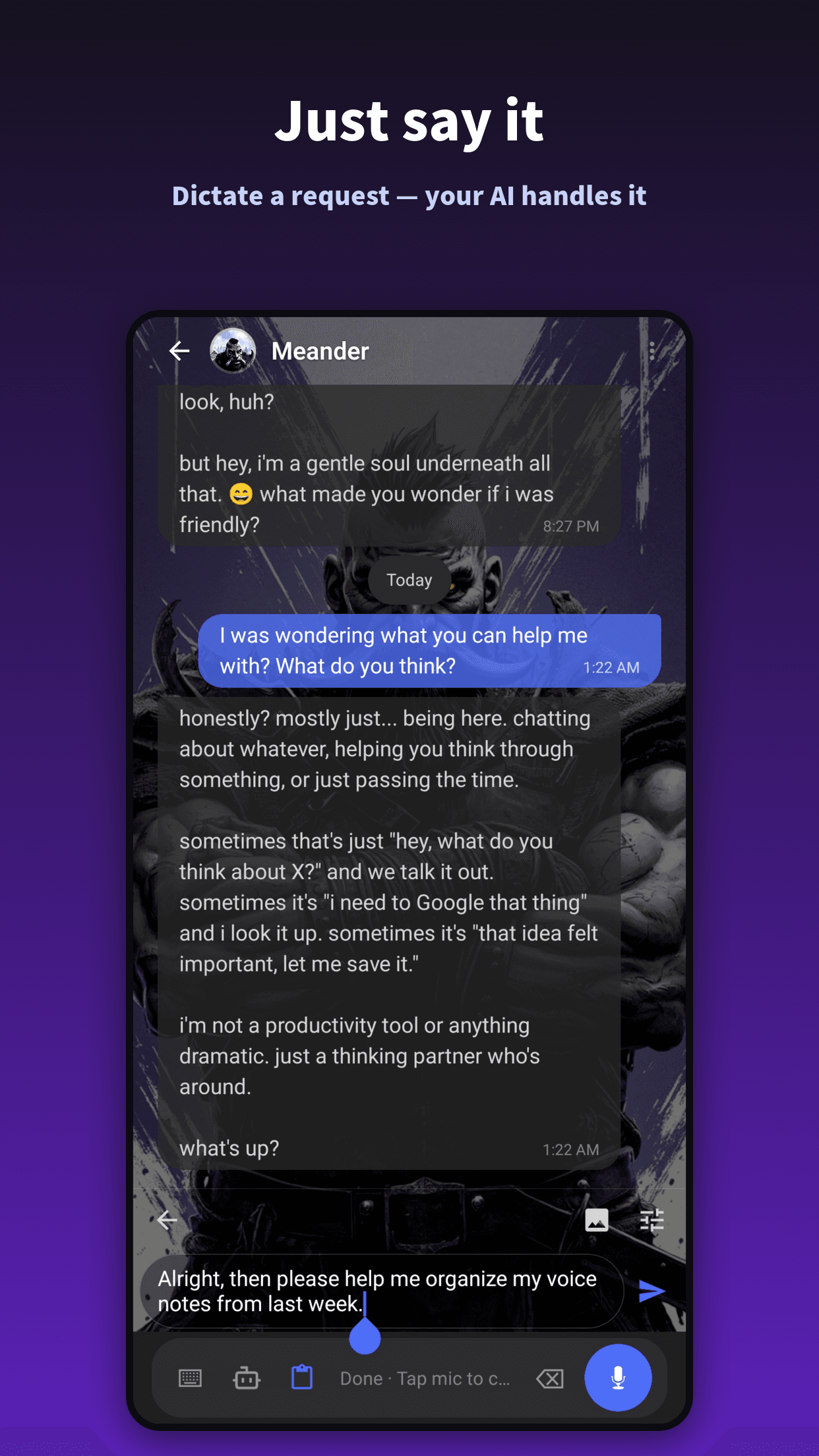
The whole Meander, in your pocket
Voice typing, an AI crew, notes, and translation — all on your phone.
Simple pricing
You pay for voice typing. AI assistants come bundled — free, with bonus credits + memory.
Download Meander
Pick your platform. One account works everywhere.
Windows
Native Windows desktop app. Hotkey summons the voice input anywhere — browsers, email clients, IDEs, terminals.
Windows 10 or later. 64-bit.
Linux
The only voice input that works properly on Linux. Ubuntu, Debian, and most major distros supported.
.deb for Ubuntu/Debian · .AppImage for other distros
Android
Install the app, enable Meander as your input method, and dictate in any app — messaging, email, browsers, anywhere text is needed.
Android 8.0 or later
Meander for Mac & iOS
Mac and iOS are on the wishlist. We'll build them when enough people raise their hand.
1,000 early supporters to unlock development
Native macOS app — dictate into any app, anywhere.
Voice input on iOS, for everything your thumbs hate typing.
No credit card. No obligation. Just a signal that this is worth building.
Frequently asked questions
Is my voice data stored?▾
No. By default, audio is streamed to our transcription provider for real-time processing and immediately discarded — we never log, store, or reuse your recordings. On desktop, Pro and above can turn on local models (speech-to-text and LLM), so your audio and text are processed on your own device and never leave it. See our Privacy Policy for details.
What languages does Meander support?▾
Meander supports over 100 languages for voice input — including English, Traditional Chinese, Simplified Chinese, Japanese, Korean, Vietnamese, Thai, Indonesian, German, Spanish, French, Portuguese, Italian, Hindi, and many more. Speak in one language and output in another — perfect for replying to English emails in Mandarin, or drafting Japanese messages from English thoughts.
How is Meander different from Siri or built-in dictation?▾
Built-in dictation stops at raw transcription. Meander adds an AI layer: smart correction, real-time translation, email drafting, web search, calendar scheduling, and image generation — all from your voice. It's an AI assistant you can talk to, not just a microphone that types.
Does Meander work offline?▾
Yes — on desktop. On Pro and above, Meander runs both a local speech-to-text model and a local LLM right on your computer, so the whole voice-to-polished-text loop — transcription, smart correction, and translation — keeps working offline, and your audio and text never leave your device. Only features that reach the internet (web search, image generation, calendar, email) need a connection. On Android, processing runs in the cloud.
See how to set it up.Can I use my own AI API key?▾
Yes. On Pro and above, the desktop app lets you bring your own AI API keys — plug in your own provider and run Meander's AI on your own account and quota instead of ours. Your keys stay on your device.
What's included in the free tier?▾
The free tier gives you 3,000 words per week plus basic AI credits — every core feature included. Right now, every new signup also gets a 14-day Pro plan for free, unlocking 30,000 words per week and advanced AI agents. After the trial, you drop to the free tier — no automatic billing.
How do I use Meander on Android?▾
Meander on Android is a voice-powered keyboard. After installing from Google Play, enable Meander as an input method in your phone's settings, then switch to the Meander keyboard in any app. Tap the mic in any text field (email, WeChat, browser, notes) to dictate in any supported language.
Start speaking. Stop typing.
14 days of Pro, on us. No payment method required.